

Skip to content
Sheen AI

Cortex Search · Built only for jewellery

One photo in. The design number out.

Send Cortex a customer's WhatsApp photo, a sketch, a screenshot or a CAD render. It searches your whole catalogue and stock and finds the exact design in seconds, with the closest look-alikes ranked beside it.

  • Your own catalogue
  • Every category
  • Phone, tablet, web

For manufacturers, wholesalers, retail chains and large stores.

4 Production starts. The exact design, its number and the closest look-alikes, from your own catalogue and stock.

Any input

Whatever the customer sends, Cortex reads it.

A WhatsApp forward, a phone snap, a screenshot, a CAD render or a pencil sketch. Each one comes back as a design number from your own catalogue.

What came in · tap any one

Found in your catalogue

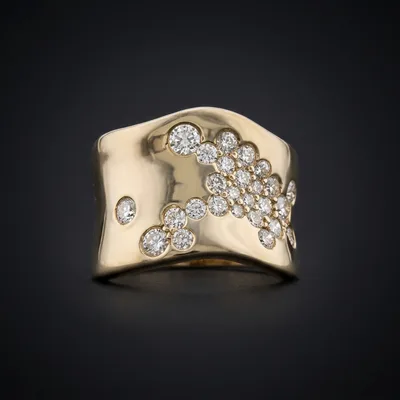
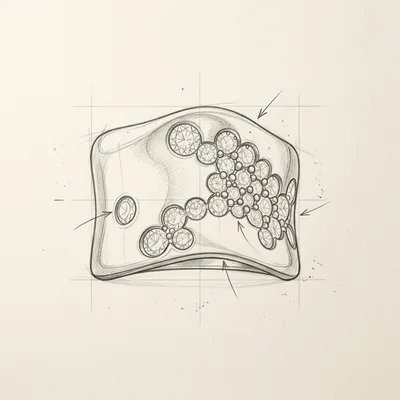
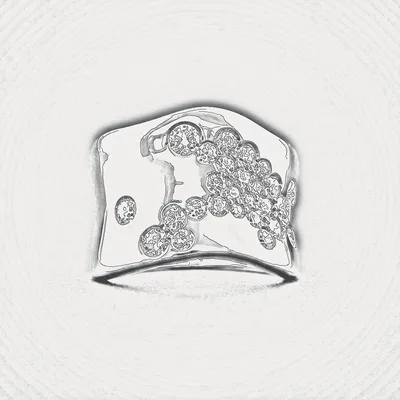
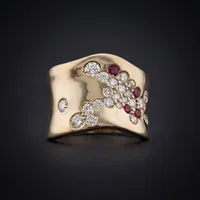
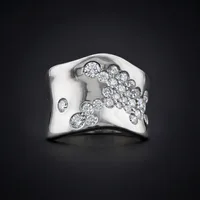
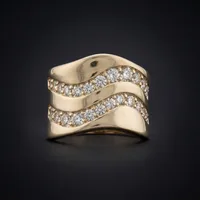
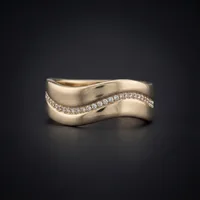
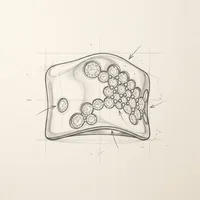
Demo: catalogue design CX-DEMO-0688, diamond wave band ring, found from a pencil sketch. Sample piece from a demo catalogue.

Exact match Pencil sketch CX-DEMO-0688 Diamond wave band ring · 18 KT · 9.60 g

5 Pencil sketch → CX-DEMO-0688. Five kinds of input, five exact design numbers.

For manufacturers and wholesalers

Customer sent a photo. Production needs the design number.

Today: Two or three people scroll through 25,000 catalogue images by hand while production waits.

With Cortex: Drop the photo into Cortex. The exact design and its number come up in seconds, and production starts.

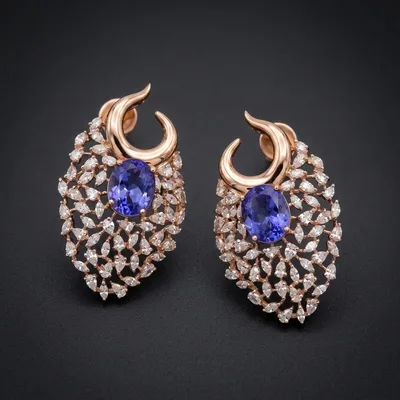
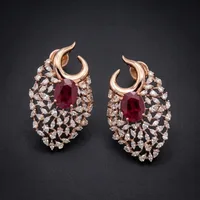
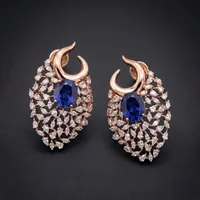
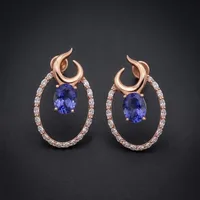
Demo: the customer's WhatsApp photo of tanzanite flame earrings, side by side with the exact catalogue design CX-DEMO-0427 (18 KT, 7.84 g, in stock, 3 pieces). The production slip now carries the design number and reads In production. Sample pieces from a demo catalogue.

With Cortex

Exact match found

Customer sent

Demo: a customer's WhatsApp photo of tanzanite flame earrings, held in a palm. Sample piece from a demo catalogue.

“Same as last time. Need 20 pcs.”10:42

  • 1Flame top
  • 2Oval centre stone
  • 3Pavé leaf body

Exact design · in stock

Production slipReorder · 20 pcs Design no.CX-DEMO-0427 In production

4 25,000 designs searched → 1 exact design. Production starts.

For manufacturers

Not in your catalogue? Something close is already in stock.

Today: A new request goes to CAD/CAM from scratch: days of work and money before you know it will sell.

With Cortex: See the 20 most similar pieces you already have, and sell from stock instead of making new.

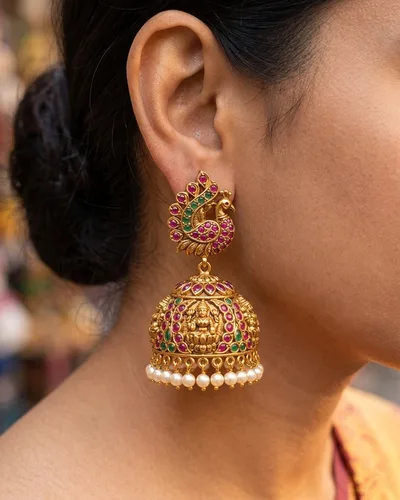
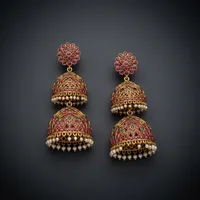
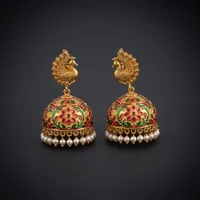
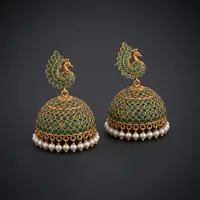
Demo: a customer's photo of a peacock temple jhumka that is not in the catalogue. There is no exact design, so Cortex shows the eight most similar jhumkas in stock, from 94% to 81% similar, each with the same silhouette and one difference: peacock with rubies, lotus top, emeralds, matte gold with no stones, polki top, meenakari bell, two-tier and daily-wear size. Twelve more bring it to 20 similar pieces in stock, so the piece is offered from stock instead of a new CAD/CAM. Sample pieces from a demo catalogue.

With Cortex

No exact design → 20 similar in stock

Customer wants this

Demo: a customer's photo of a peacock temple jhumka, worn. It is not in the catalogue. Sample piece from a demo catalogue.
No exact design in catalogueSo Cortex shows the most similar pieces already in stock.
JhumkaPeacock topTemple workRuby + emeraldPearl fringe

Orange outline = the same silhouette

Nearly the same look. Ready today.

Most similar first
+12 more · 20 similar in stock New CAD/CAMOffer from stock

4 No exact design → 20 similar in stock. Sell today, skip CAD/CAM.

For design teams

Hundreds of sketches a day. How many already exist?

Demo: four of today's design sketches are checked against the catalogue. Three already exist (CX-DEMO-0688, CX-DEMO-0301 and CX-DEMO-0427) and one is new. The wave band ring sketch matches catalogue design CX-DEMO-0688, in stock, with five close variants, so it does not go back through CAD, CAM and casting. Sample pieces from a demo catalogue.

With Cortex

Today's sketches, checked 3 exist · 1 new

  1. Today's sketch: a wide wave band ring ✓0688
  2. Sketch of an open-lattice ring ✓0301
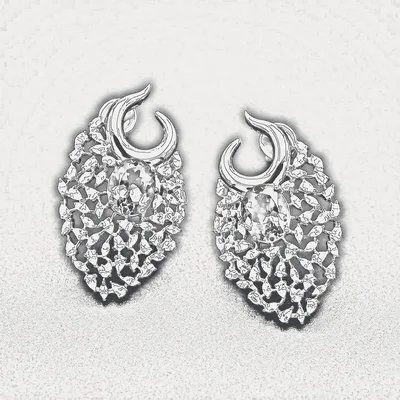
  3. Sketch of flame earrings ✓0427
  4. Sketch of a solitaire ring, not in the catalogue New→CAD
Demo: the designer's pencil sketch of the wave band ring; sample pieces from a demo catalogue. Demo: catalogue design CX-DEMO-0688, a diamond wave band ring in 18 KT yellow gold, lined up with the sketch; sample pieces from a demo catalogue.

Already in your catalogue

CX-DEMO-0688

Diamond wave band ring

97% match18 KT · 9.6 gIn stock · 2 pcs

  1. CAD
  2. CAM
  3. Casting

Repeat caught before it was made again.

5 close variants · all in stock

Sketch → already exists (CX-DEMO-0688) + 5 close variants.

Today: Designers redraw pieces you already make, and nobody remembers the whole catalogue, so the repeat goes back through CAD/CAM.

With Cortex: Upload the sketch and see every exact and near-identical design first. Then decide whether it should be made at all.

For sales teams, wholesalers and retail chains

Your whole catalogue, in your salesperson's pocket.

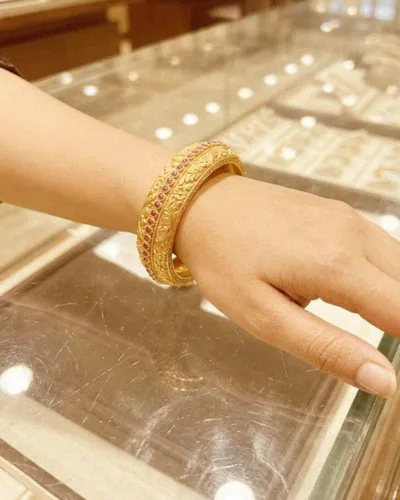
Demo: on a store visit, the salesperson snaps the buyer's nakshi kada with a phone. Cortex shows matching designs from the catalogue and stock: CX-DEMO-0721, 28.4 g, in stock, is the top match. A filter for gross weight under 30 g drops one heavier design, and the top match is added to the order while the buyer is still interested. Sample pieces from a demo catalogue.

With Cortex
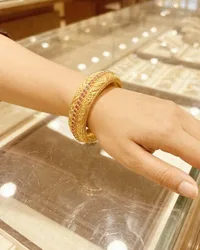
Demo: a buyer's nakshi kada with ruby studs, on a wrist at a glass showroom counter; sample pieces from a demo catalogue. At the counter
Cortex Catalogue + stock
KadaNakshi engravingRuby studsYellow gold
Gross wt. under 30 g 5 in stock

Buyer interest

Still interested

Store visit → matching designs from stock, while the buyer is still interested.

Today: On a store visit, "Do you have something like this?" ends in "I'll check and call you", and the order cools off.

With Cortex: Snap the piece on the phone and show matching designs from your catalogue and stock in seconds, while the buyer is still interested.

Also used for

  • A walk-in customer's screenshot, matched across every showroom.

  • Your buying team checks whether you already hold something similar before buying from a vendor.

Try it

Pick a photo. Watch Cortex find it.

Real situations from a jewellery business. Tap one.

What did the customer send?

Tried 1 of 8

Exact match · CX-DEMO-0427

Orange = Cortex is lookingGreen = found

Customer sent · WhatsApp photo

Customer photo: tanzanite flame earrings in a palm. Sample piece from a demo catalogue.
EarringsOval tanzanitePavé diamondsRose gold

Demo catalogue · 56 of 25,000 shown

Exact match · in your catalogue

Closest look-alikes · tap one to see why

  • 1Flame top
  • 2Oval centre stone
  • 3Pavé leaf body

Why it matched CX-DEMO-0427

  • Flame top
  • Oval tanzanite
  • Pavé leaf body
  • Rose gold

The same design, found in the catalogue. Tap a look-alike to compare.

Sample pieces from a demo catalogue. Results on this page are prepared in advance; in a demo we search your own designs live.

How it works

It sees jewellery the way your best karigar remembers it.

Every design in your catalogue becomes a point on a map of jewellery, where pieces that look alike sit close together. A photo or a sketch lands on that map, and its nearest neighbours are your matches.

  1. Send any image.

    A WhatsApp forward, a phone snap, a screenshot, a CAD render or a pencil sketch.

  2. It reads the piece.

    Visual AI built only for jewellery reads the silhouette, the motif, the setting, the stones and the metal.

  3. It searches everything you have.

    Your whole catalogue and your stock: tens of thousands of designs. No tagging; the image is the index.

  4. You get ranked matches.

    The exact design first, with its design number, then the closest look-alikes, each with weight, purity and stock.

1Any image

  • A WhatsApp forward: earrings in a palmWhatsApp forward
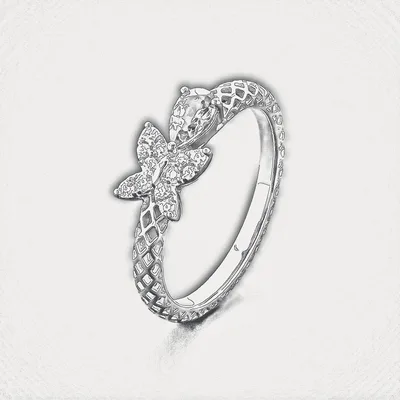
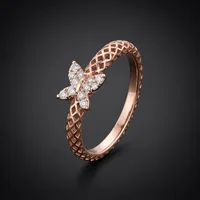
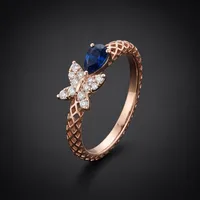
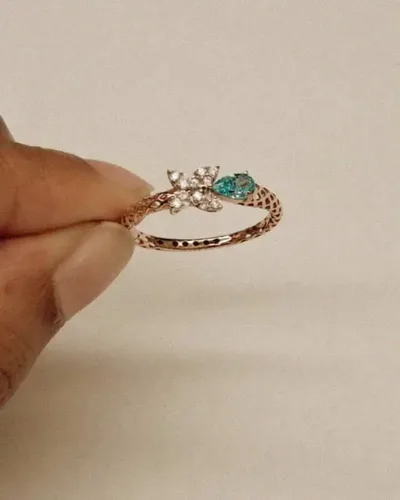
  • A phone snap: a rose-gold lattice ring held in the fingersPhone snap
  • A screenshot: a diamond necklace, wornScreenshot
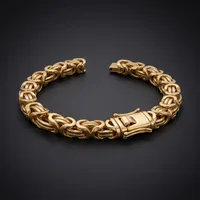
  • A CAD render of a braceletCAD render
  • A pencil sketch of a ringPencil sketch

2Reading it

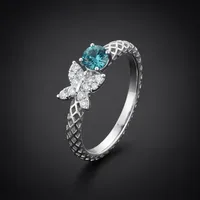
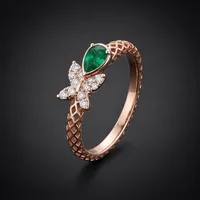
Phone snap of a rose-gold open-lattice ring with a blue-green pear stone, held in the fingers. Sample piece from a demo catalogue.
RingPear stoneOpen latticeRose gold

3Your catalogue + stock, arranged by look

  • Rings, earrings, jhumkas, bracelets, pendants, necklaces, chains, kadas and bangles each sit in their own neighbourhood of the map.
  • The phone snap lands among the rings; the five designs closest to it are its matches.

4Ranked matches, nearest first

4 · A phone snap lands on the map → its five nearest designs, the exact one first.

Built only for jewellery

An AI company that builds for one industry.

Sheen AI is AI-first, and jewellery is all we do. That is why Cortex can tell a jhumka from a chandbali, and polki from kundan.

Generic image search sees

  • gold object
  • earring
  • red stone

3 vague tags. Nothing you could search a catalogue with.

Cortex sees

A customer's photo of a peacock temple jhumka with rubies, emeralds and pearl drops, worn on the ear. Sample piece from a demo catalogue.
JhumkaPeacock motifTemple workRuby and emeraldPearl dropsAntique gold finish

6 details, in the trade's own words. Enough to find it, or the closest thing you have.

3 · Same photo: generic search guesses three vague tags; Cortex names six things a jeweller would.

  • Built for jewellery, not for everything.

    Cortex knows a kada, a jhumka, polki work, a halo setting, a marquise drop.

  • Works on your catalogue as it is.

    We index your designs and photos as they are. No tagging and no reshoots.

  • Every category.

    Rings, earrings, pendants, necklaces, bangles, bracelets and chains.

  • Built for big catalogues.

    Tens of thousands of designs, searched as one.

  • Phone, tablet, desktop, web.

    The same search at the production desk, in the design studio and at the customer's counter.

More from Sheen AI

Two more tools for the same trade.

Cortex Search is one of three tools we build for jewellery businesses.

A velvet tray of tagged jewellery pieces and a phone, ready to scan. Illustrative.
SCAN · PACK · SHIP

Order Pro

Take orders by scan

Scan pieces in front of the buyer and the packing list builds itself, with customer-wise pricing and stock deducted. Take show orders by scan, even offline, and send buyers a filtered catalogue link.

  • Stock It
  • Exhibit It
  • Link It
  • Quote It
  • Custom It soon
Book an Order Pro demo on WhatsApp
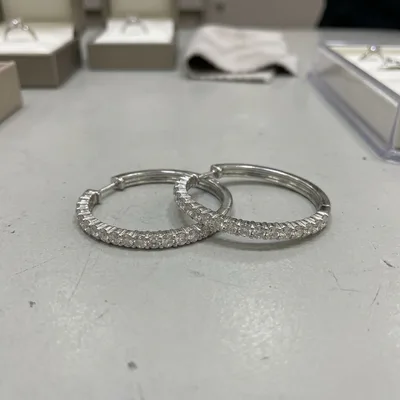
Before: a dull phone photo of diamond hoop earrings. Illustrative. After: the same hoops, clean and catalogue-ready. Illustrative. Illustrative
SHOOT · ENHANCE · SHARE

Cortex Enhance

Catalogue-ready photos

Phone photos in, catalogue-ready pictures out. Clean, consistent images of your pieces for catalogues, WhatsApp and social media.

See it on WhatsApp

Cortex Search · A Sheen AI product